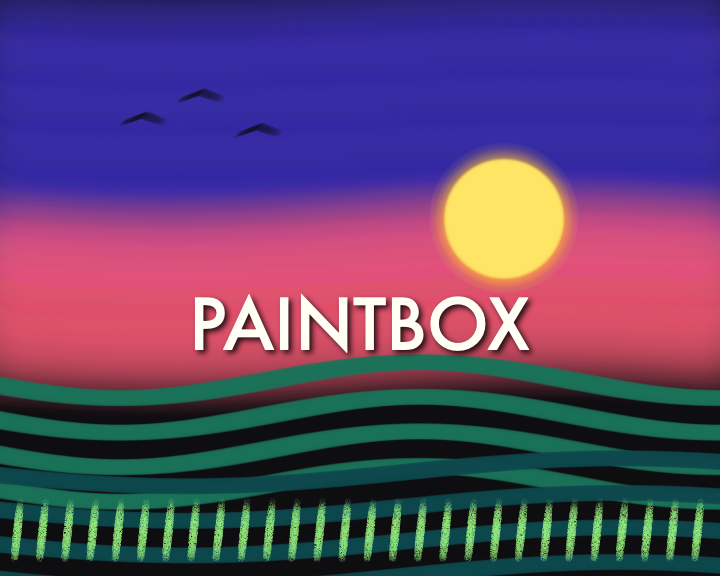
PB7 · PAL 720×576 · Stylus
PB7
The first broadcast digital paint system, recreated for macOS. Brushes sensitive to stylus pressure — and what 1981 did not have: painting over video, in layers.
The first broadcast digital paint system, recreated for macOS. Brushes sensitive to stylus pressure — and what 1981 did not have: painting over video, in layers.
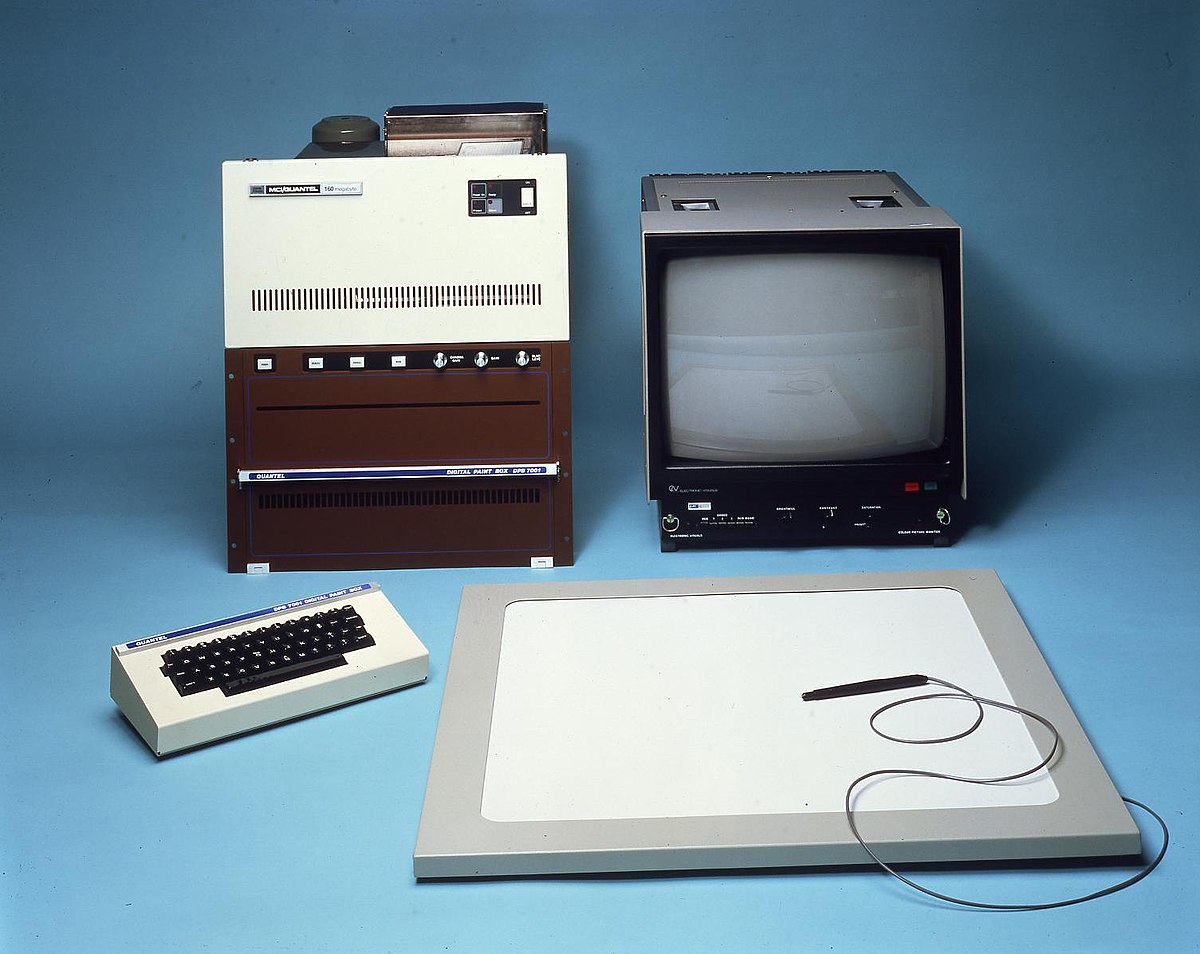
The Quantel Paintbox (1981) is the first broadcast digital paint system. Everything is driven with the pressure stylus on a tablet, with no keyboard or mouse: opaque paint, watercolor, chalk, mixable palette, colors picked from the image.
Its hallmark: real-time masked cut & paste, the 2× magnifier for pixel work, shadowed titling. Before Photoshop, "to paintbox" was the verb of TV graphics.
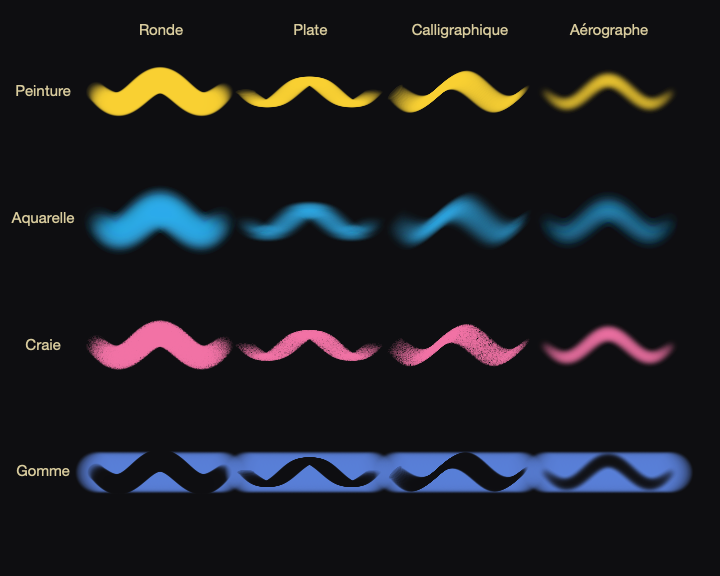
PB7 recreates the PAL 720×576 canvas and its pressure-sensitive brushes: paint, watercolor, chalk and eraser, in four brush shapes. Pots kept between sessions, mixing tray, lasso cut & paste, 2× magnifier, drop-shadow titling.
And what 1981 did not have: a background video, up to 8 layers on a track-based timeline (fades, opacity keyframes, onion skinning), .pb7 projects, and export of the layers alone in ProRes 4444 alpha.
App interface is in French — feature names kept in French
The 1981 toolkit, with the stylus — then painting over video, in layers.
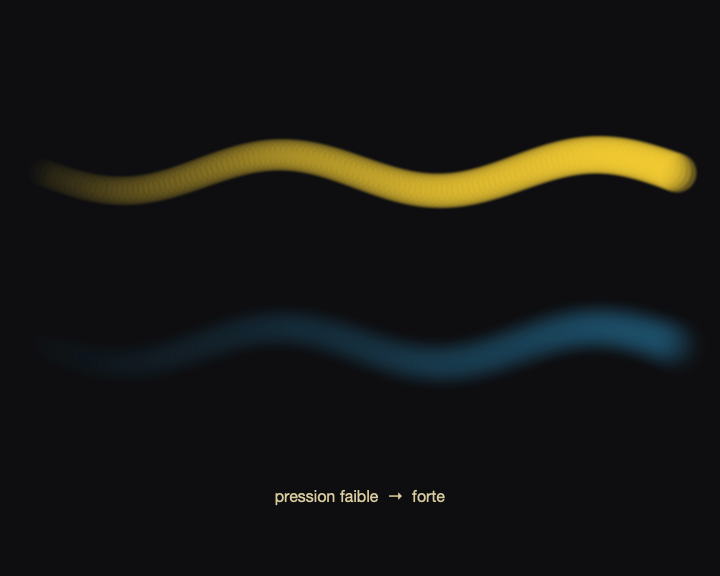
Paint, watercolor, chalk and eraser; stylus pressure modulates opacity and slightly the radius — the Paintbox philosophy.
Round, flat, calligraphic, airbrush — four shapes combinable with the four modes.
Eyedropper in the image, pots kept between sessions and in the project, mixing tray to compose a hue.
Floating lasso selection (scale, crop) and 2× magnifier for pixel work — the hallmarks of the Paintbox.
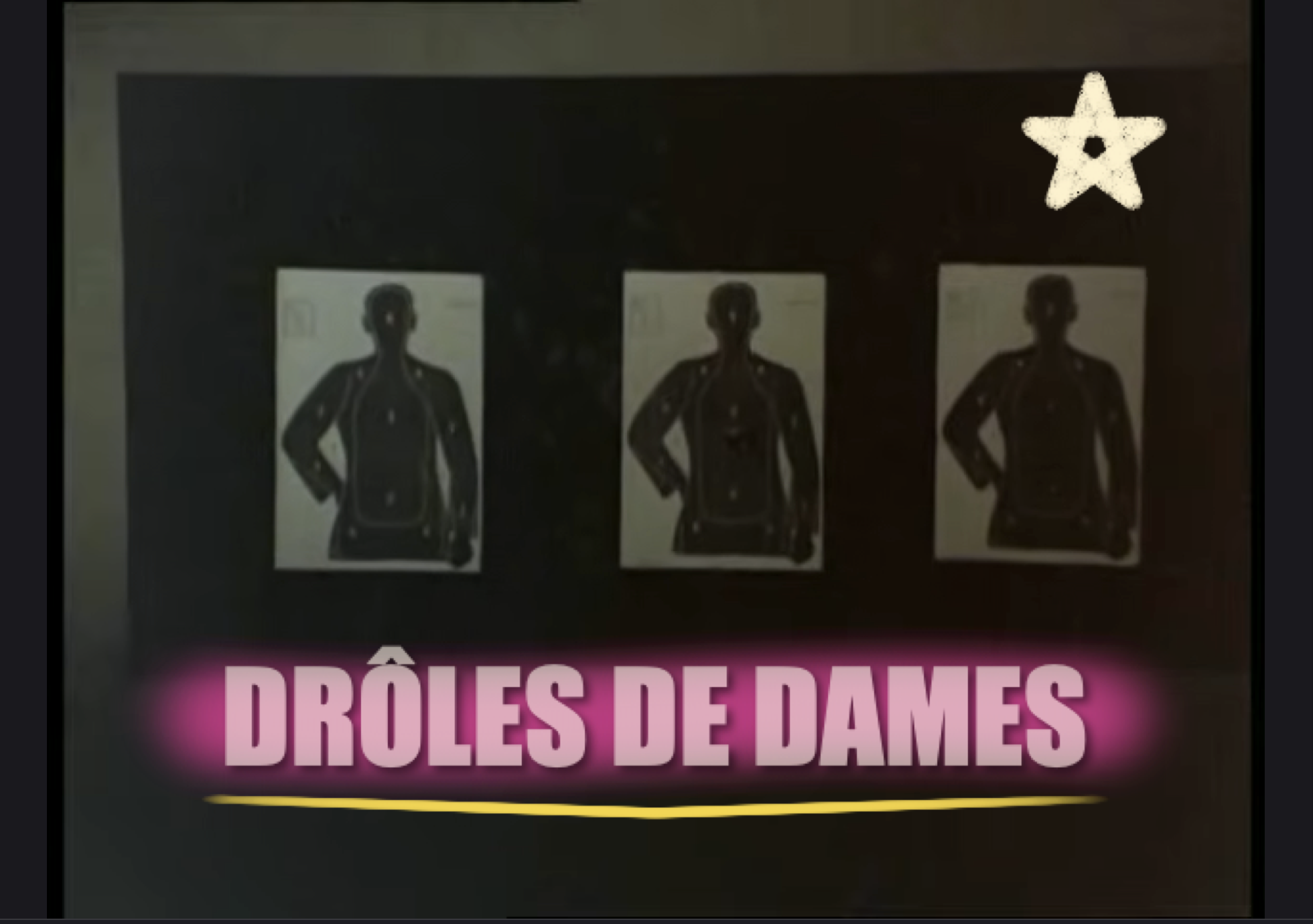
Titles with editable drop shadow; library paginated 12 per page, archivable as zip.
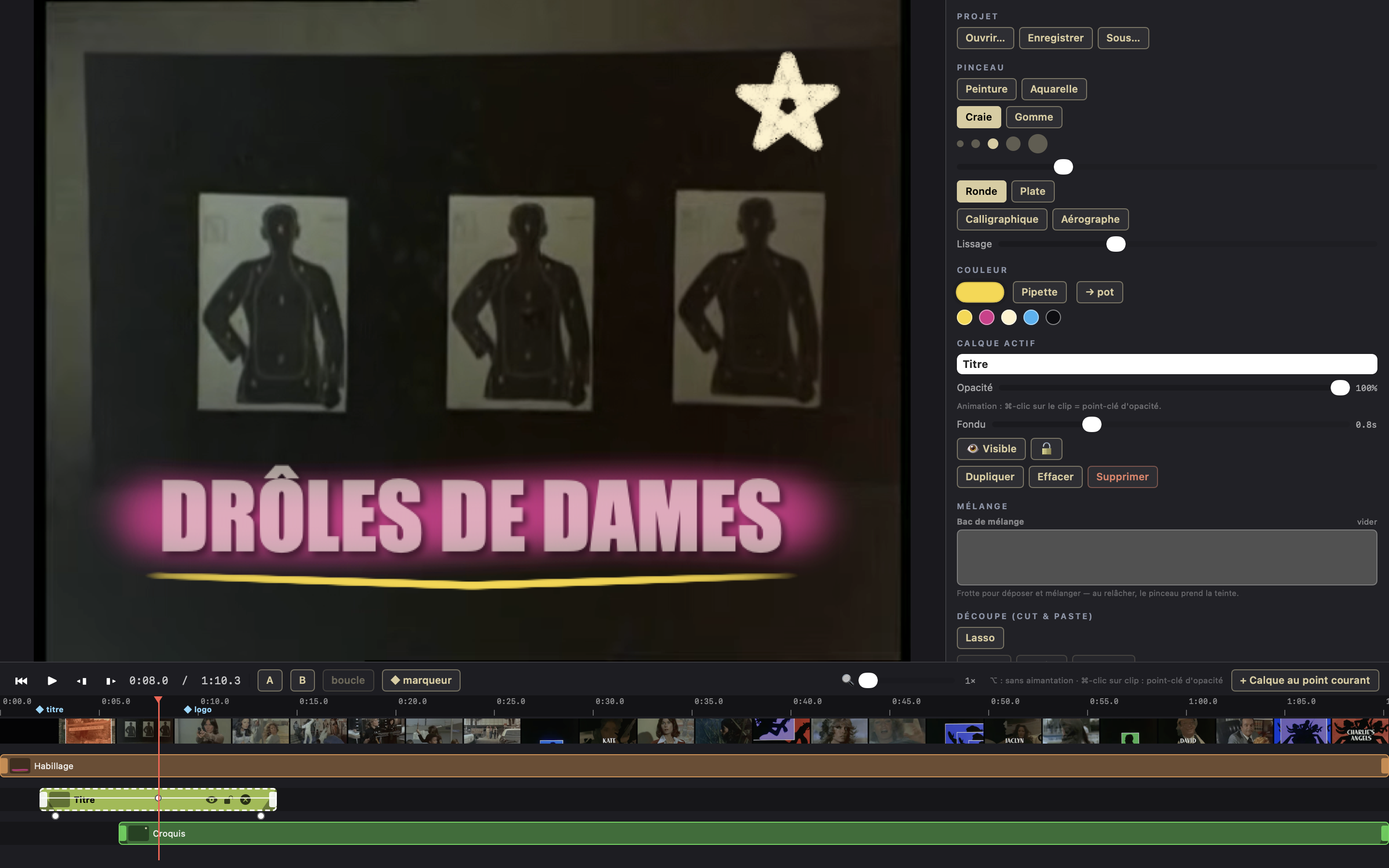
A background video, a track-based timeline whose duration becomes the horizontal axis; you paint in the active layer, frame by frame, with onion skinning.
Up to 8 layers composited over the background, each on a segment with fade in/out and opacity keyframes; the eraser truly erases.
PNG export of the composited image, H.264 video (sound copied over), and layers alone in ProRes 4444 alpha. .pb7 projects, photo or live camera.
Real-time recording of the painting-over-video session.
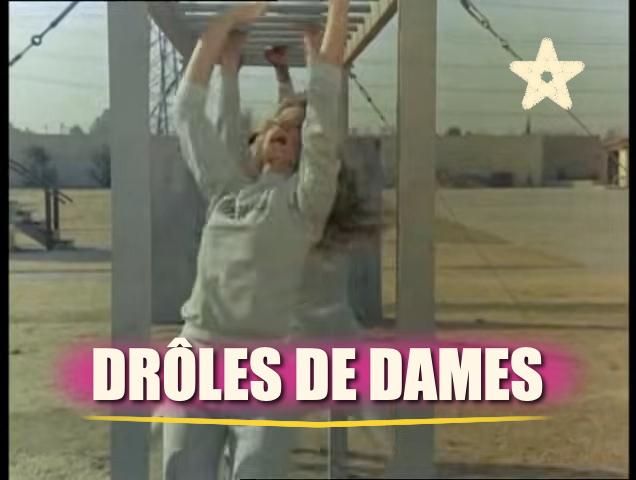
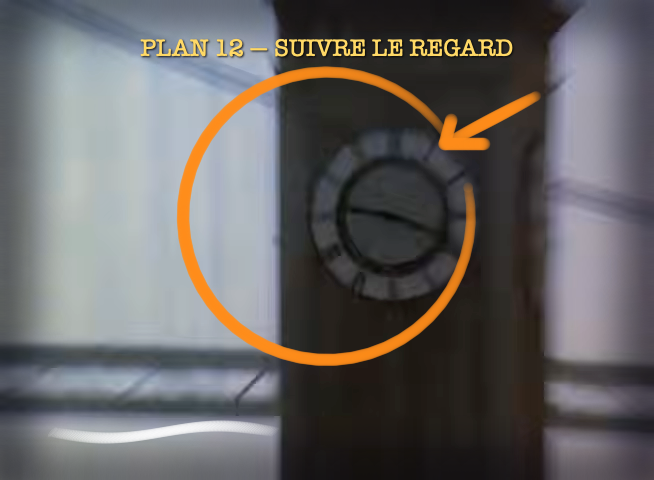
Composited outputs, brushes, pressure, and the interface (canvas, console, timeline). Click to enlarge.

| Platform | macOS 14+ — Apple Silicon & Intel (Metal). |
|---|---|
| Canvas | PAL 720×576 (or at the size of the loaded video). |
| Technique | Swift · SwiftUI · Metal. Brush strokes = interpolated stamps along the gesture, alpha-blending. |
| Brushes | 4 modes (paint, watercolor, chalk, eraser) × 4 shapes (round, flat, calligraphic, airbrush); 5 sizes + slider. |
| Pressure | Stylus pressure modulates opacity and slightly the radius (mouse = 1.0). |
| Color | 24-bit; eyedropper, persistent pots (session + project), mixing tray. |
| Editing | Lasso cut & paste (floating selection, scale, crop), 2× magnifier, undo (24-deep stack), drop-shadow titling. |
| Library | 4×3 grid (12 per page), archivable as zip. |
| Video (v2) | Background video, track-based timeline, 8 layers, fades, opacity keyframes, markers, A/B loop, frame by frame, onion skinning. |
| Inputs | Image, video frame, photo or live camera. |
| Exports | PNG · H.264 video (sound copied over) · layers alone in ProRes 4444 alpha. .pb7 projects. |